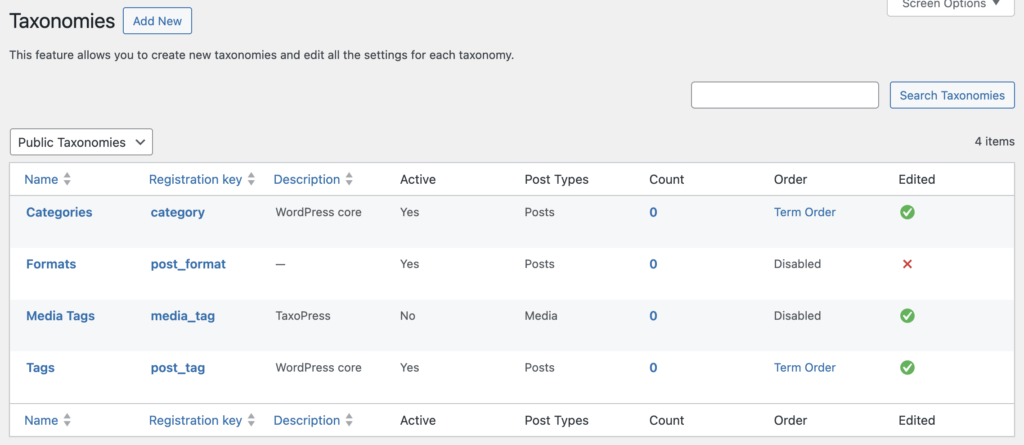
The “Taxonomies” screen will show all the taxonomies created by WordPress and your plugins and themes.
On this screen, you can also click “Add New” and create your own taxonomies.
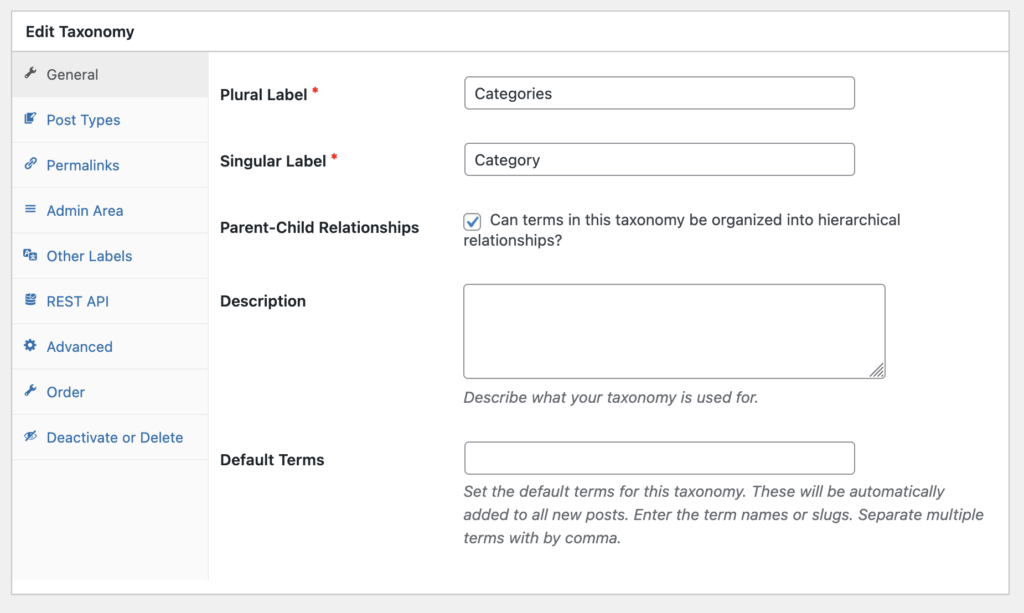
When you click “Edit”, you’ll be able to change the settings for each taxonomy. For example, you can change the visual labels or control whether the taxonomy is organized in parent-child relationships. Here, you can also describe what your taxonomy is used for. Here you also can set the default terms for this taxonomy and enter the term names or slugs.
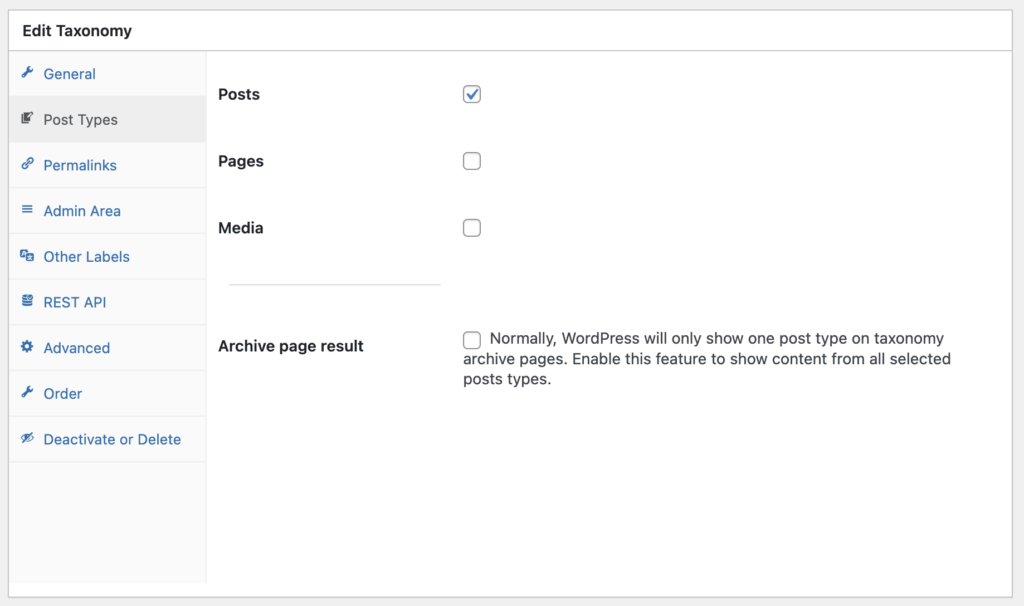
In the “Post Types” area, you can assign any taxonomy to any post type, including your Media Library. On this screen you can also opt to show content from all post types on archive page.
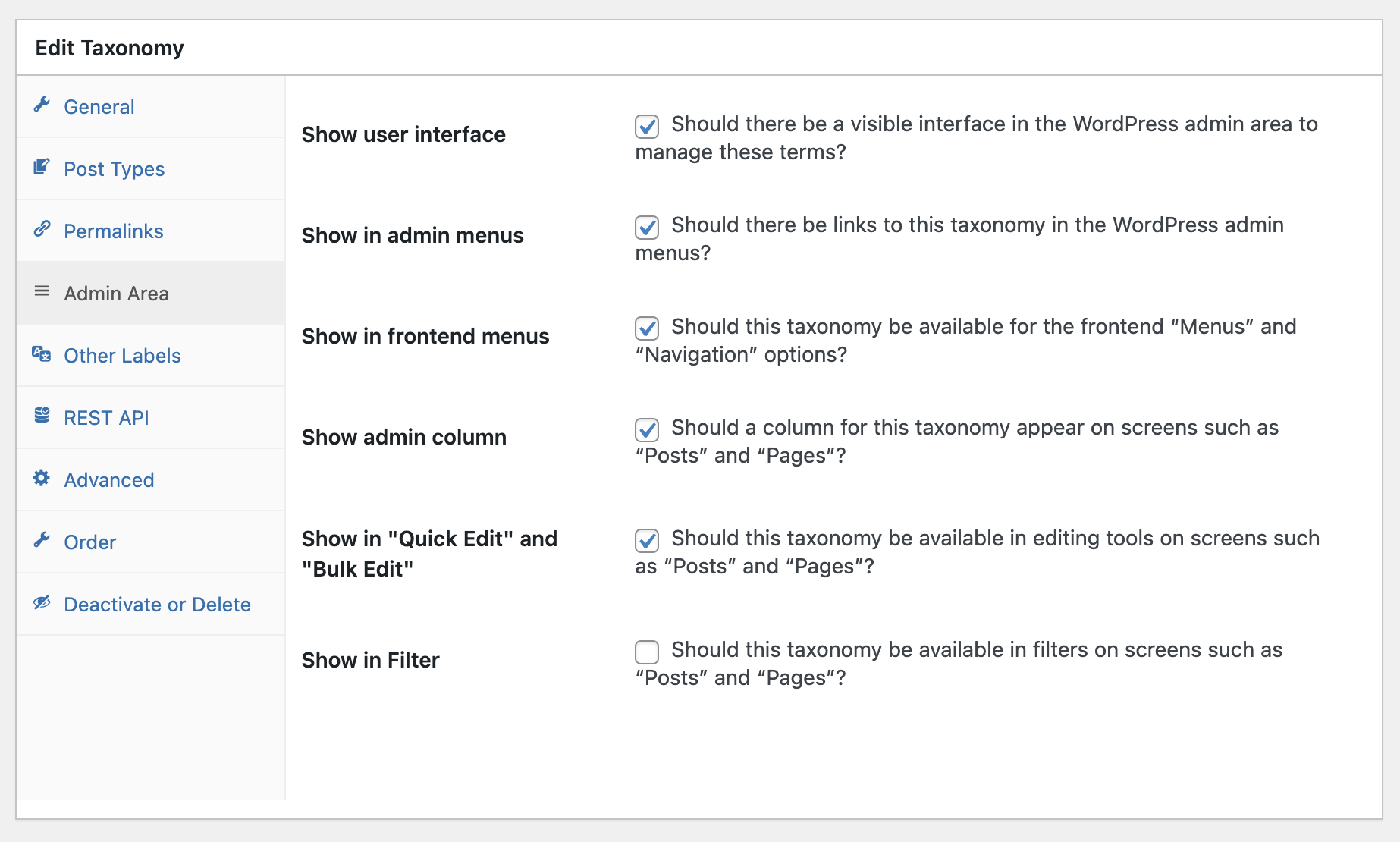
Inside each taxonomy, you’ll find many useful settings. For example, in the “Admin Area” settings, you can control how your taxonomy appears in your WordPress dashboard.