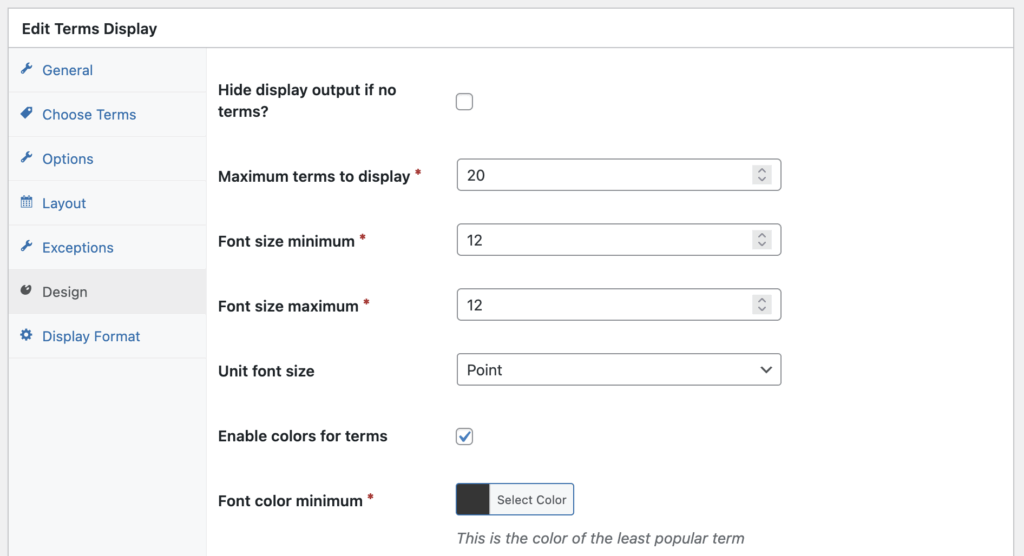
The “Current Post” feature in TaxoPress allows you to change the format of the tags display. There are also further options that you can customize.
Choose Terms #
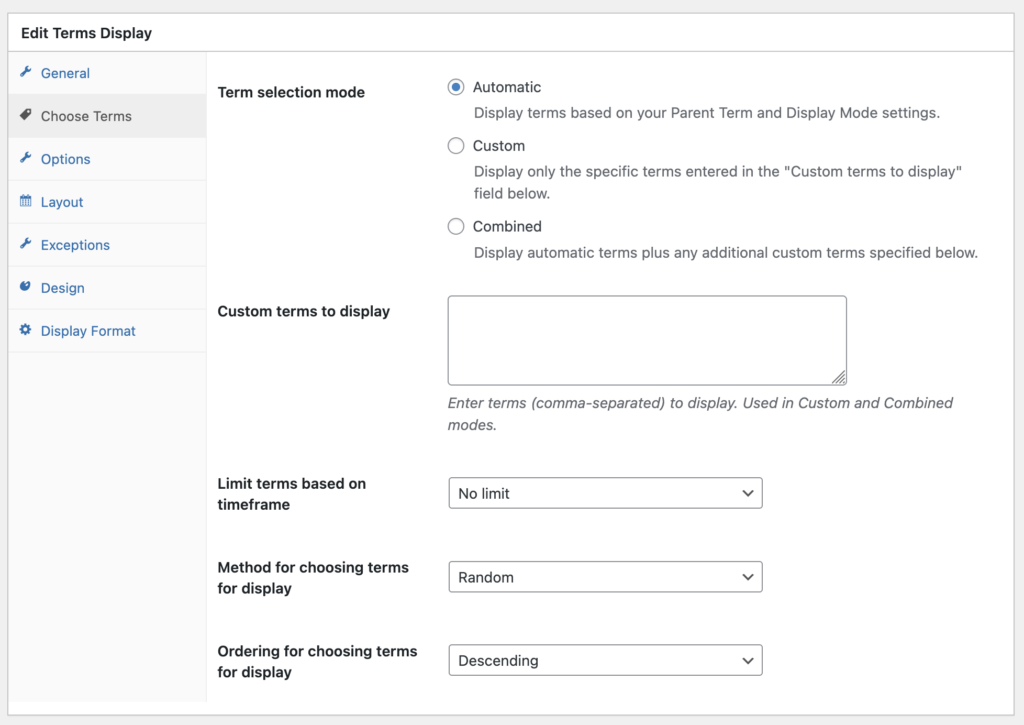
The settings under this tab allow you to choose which terms will appear in your display, and how they will be sorted. You can choose from three ways to show terms:
- Automatic: This will rely on settings selected under the “General” tab.
- Custom: This will display only the specific terms entered in the “Custom terms to display” field.
- Combined: This will display automatic terms plus any additional custom terms.
Options #
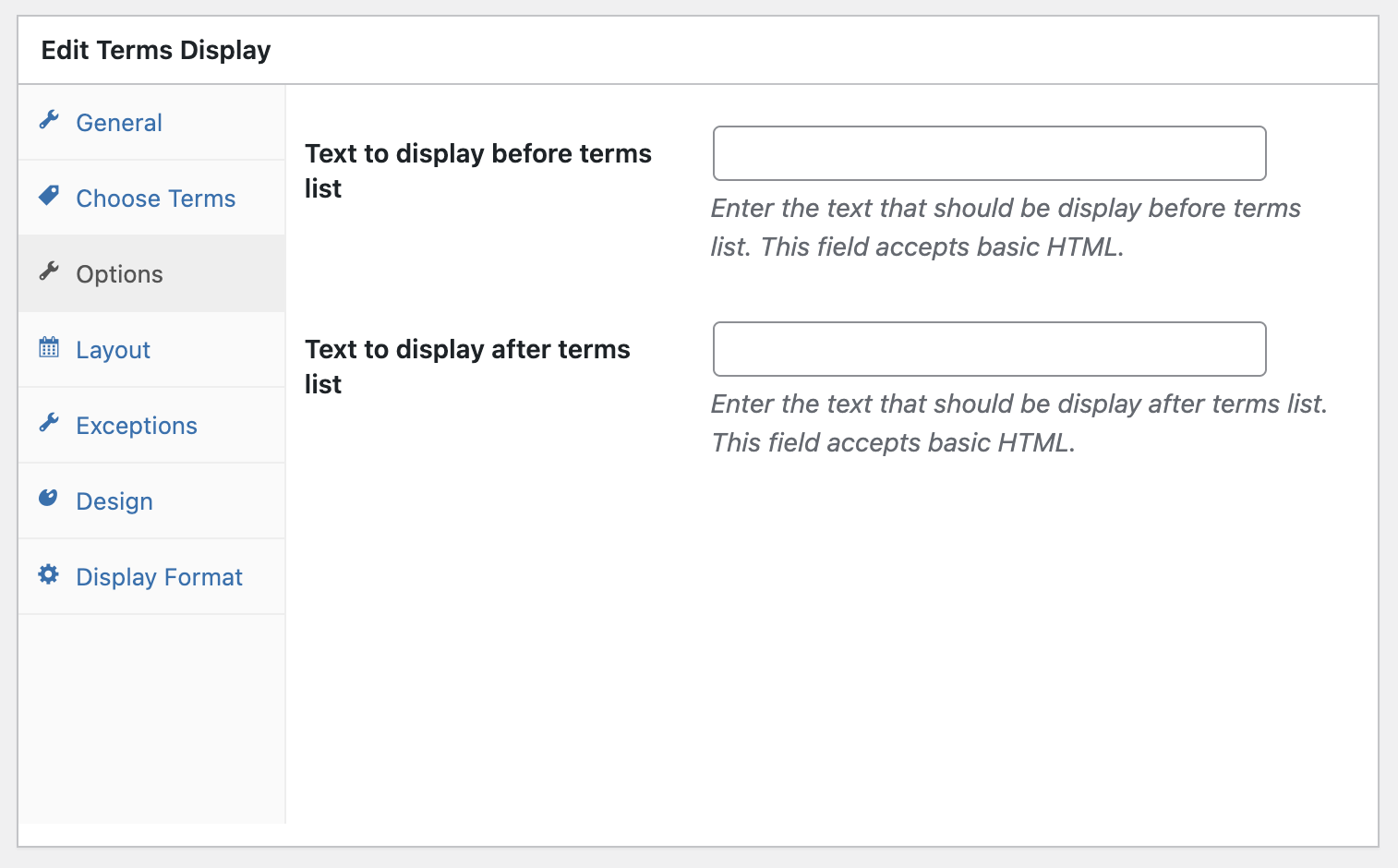
These settings allow you to customize text aspects of your display.
Layout #
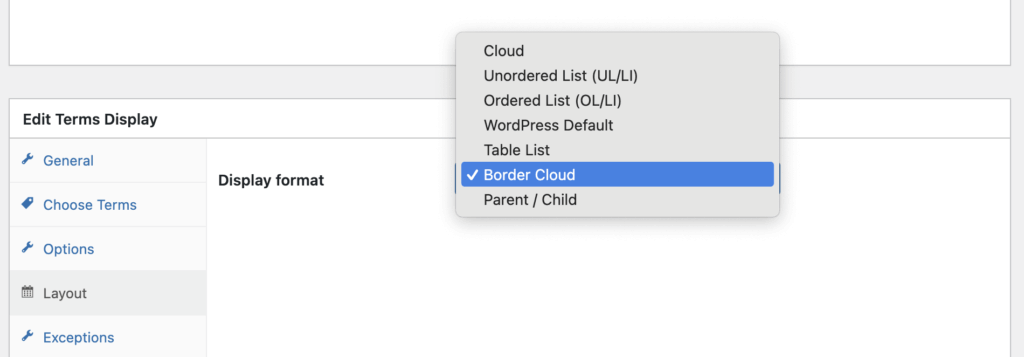
The Layout tab allows you to choose from several default designs for your Terms Display design. There are 7 options available. After choosing a display, click “Save Terms Display” and you’ll see a preview of the new layout.
- Cloud
- Unordered List
- Ordered List
- WordPress Default
- Table List
- Border Cloud
- Parent / Child
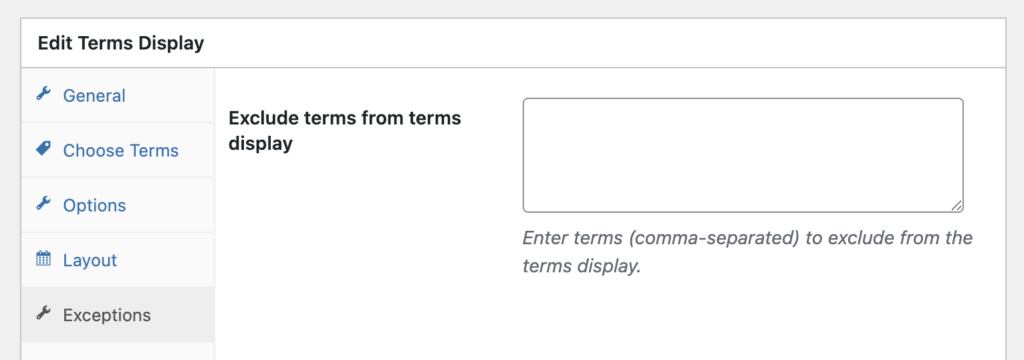
Exceptions #
The Exceptions tab allow to hide some terms from display. Enter as many terms as you want, separating each term with a comma.
Design #
These settings allow you to customize design aspects of your display. You can choose the number of terms, plus the size and color of the font.