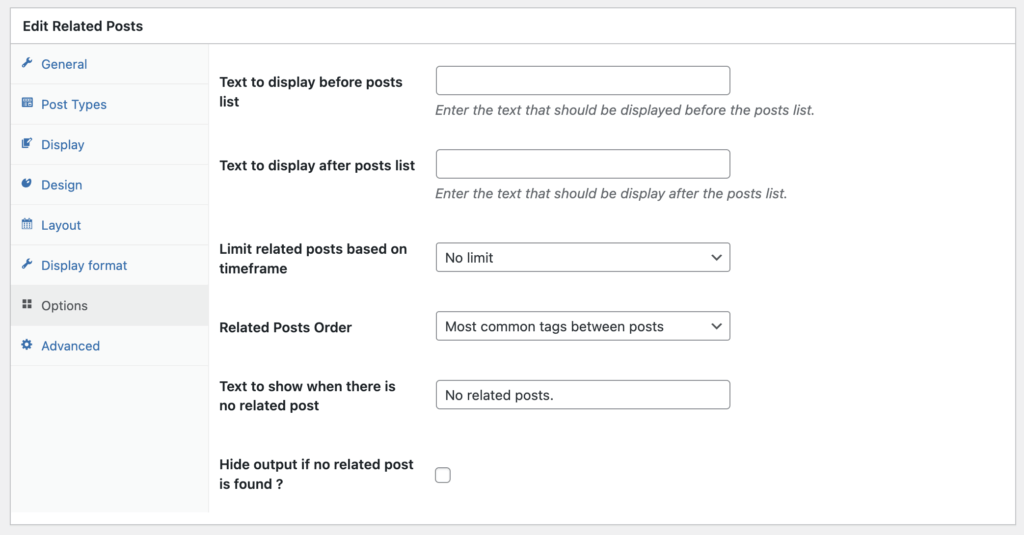
There are detailed options that you can customize for the display or your Related Posts. You will find these options by going to TaxoPress > Related Posts.
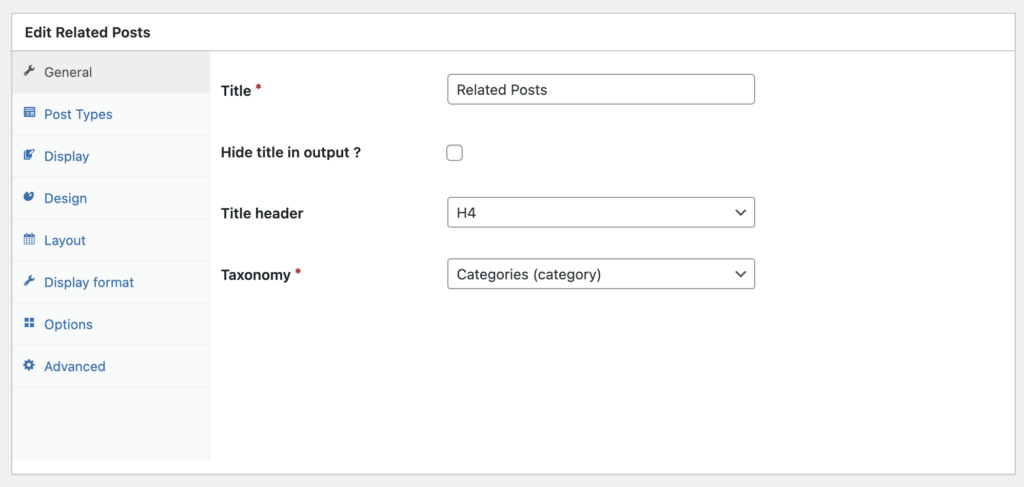
General #
On the first tab called “General”, you can change key settings for each related posts display:
- Title
- Title header
- Taxonomy
- Display format
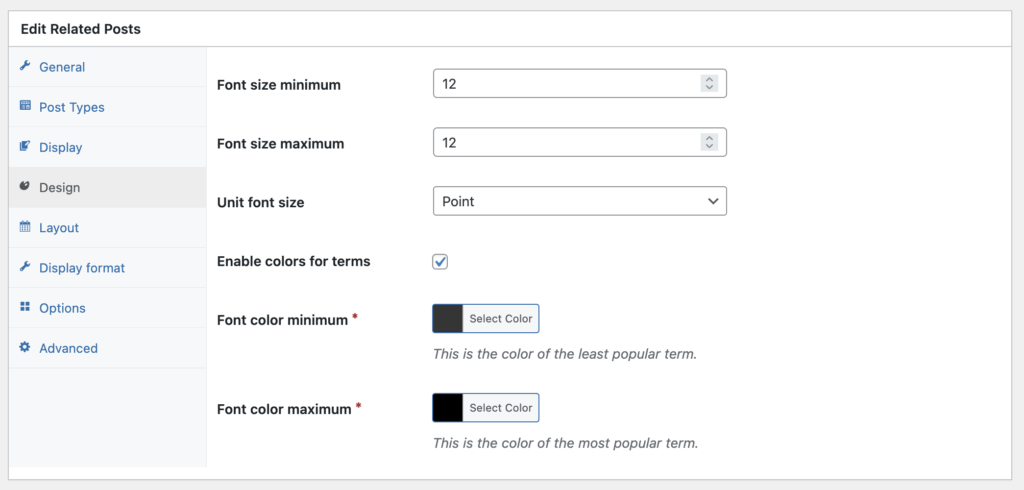
Design #
These settings allow you to customize design aspects of your display.
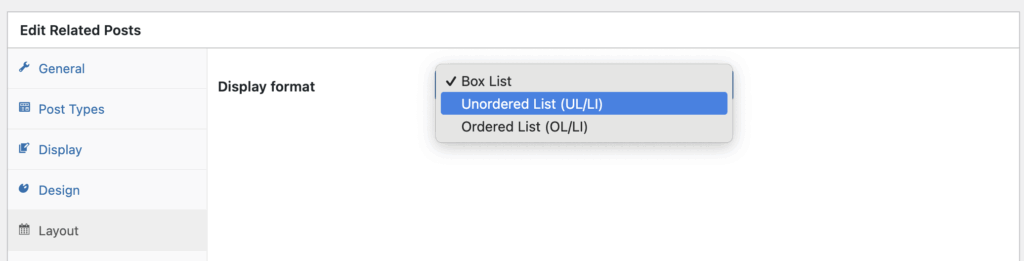
Layout #
The Layout tab allows you to choose from several default designs for your Related Posts design.
Options #
If you click the “Options” tab, you’ll get more settings:
- Text to display before posts list: Text that should be displayed before the posts list.
- Text to display after posts list: Text that should be displayed after the posts list.
- Limit related posts based on timeframe: This allows you to show related posts only if they fit within a timeframe.
- Related Posts Order: This controls how posts are ordered when displayed to visitors.
- Text to show when there is no related post: You can leave this empty to hide this feature when it does not apply to a post.
- Hide output if no related post is found?: This will hide the whole Related Posts feature if nothing relevant can be displayed.