
The Auto Terms feature can scan your content and automatically assign existing and / or new terms.
You can add existing terms (available in Free and Pro versions), and you can also create and add new terms (requires the Pro version).
- Go to TaxoPress > Auto Terms in your WordPress admin menu.
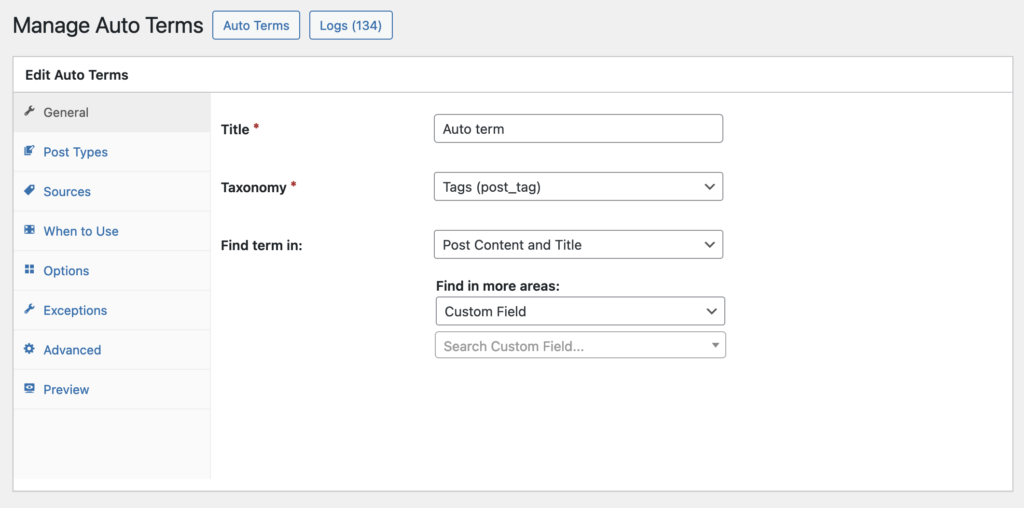
- Taxonomy: Choose the taxonomy you want to use with Auto Terms. In the the image below, we’ve chosen “Tags”.
- Find term in: You can choose which areas of your content to scan. In addition to the Title and Content, you can choose to scan fields provided by 3rd party plugins such as WooCommerce, Advanced Custom Fields, and The Events Calendar.
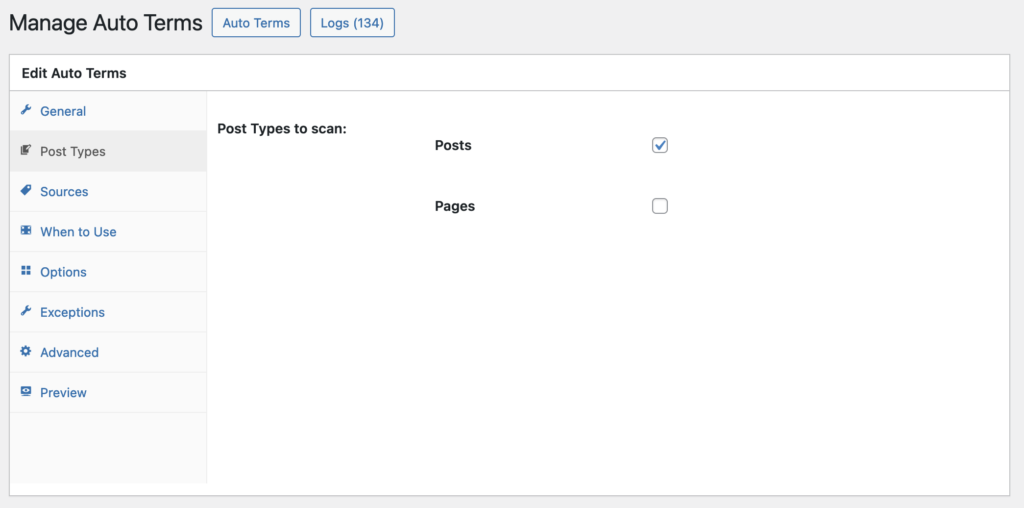
You can also choose which post type should be scanned for terms. In this screenshot below, we’ve selected “Posts”.
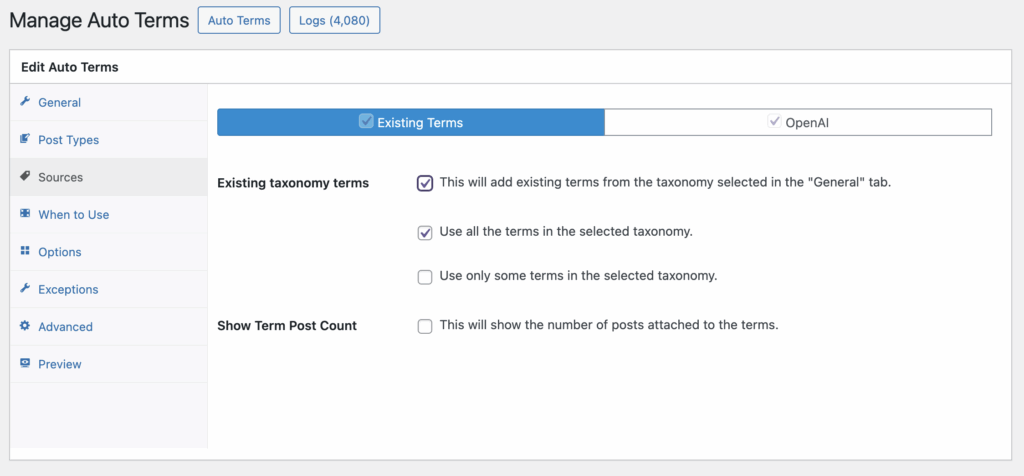
The other required setting is under “Sources”. You can choose which tools to use for scanning your content:
- Existing taxonomy terms: add existing terms.
- OpenAI: create and add new terms (only available in TaxoPress Pro).
Once you’ve selected the options, you can use the “Preview” tab to see what kind of terms will be added to your content. In the screenshot below you’ll see a preview of the “Existing Terms” and “OpenAI” options.
