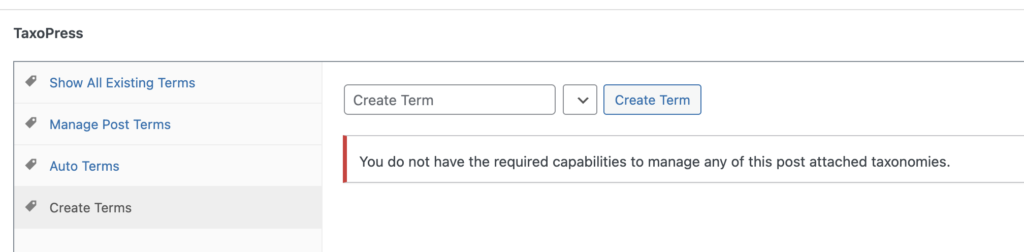
It is possible to control who can add terms to posts in TaxoPress. This plugin uses the same capabilities as the WordPress core. So if a user can add terms in WordPress, they can add terms in TaxoPress.
By default, anyone who can edit posts can also do this:
- Add Categories to a post, but not create new Categories.
- Add Tags to a post and create new Tags.
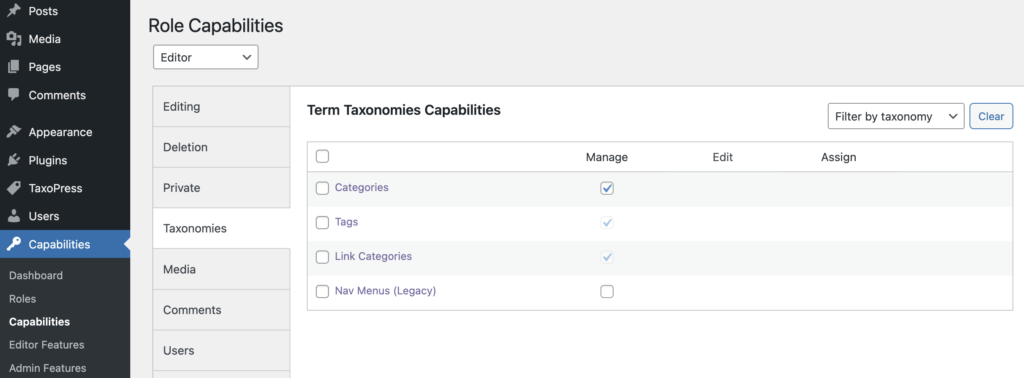
You can use a plugin such as PublishPress Capabilities to control these settings in more detail. Go to “Capabilities” then “Capabilities” in the admin menu. Click the “Taxonomies” tab.
On the this screen you will see the “Manage” column. This will allow users access to main screen for each taxonomy. So if you check the box for “Categories”, users in this role will have the ability to edit, add, delete, and manage all your Categories.
It is possible to get more detailed control over who can edit your taxonomies. In the sidebar, look for the “Detailed Taxonomy Capabilities” area. Check the boxes for your taxonomies and in the main area you will now see “Edit”, “Assign” and “Delete” boxes.
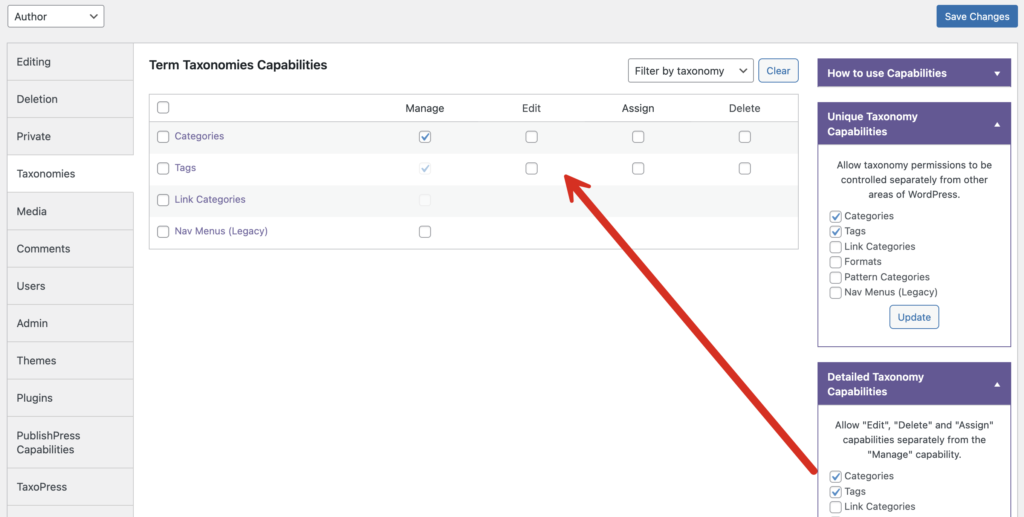
One change you can make here is to prevent a user from assigning any terms to your posts. In the screenshot, you are blocking users in the Author role from managing, editing, assigning or deleting terms.
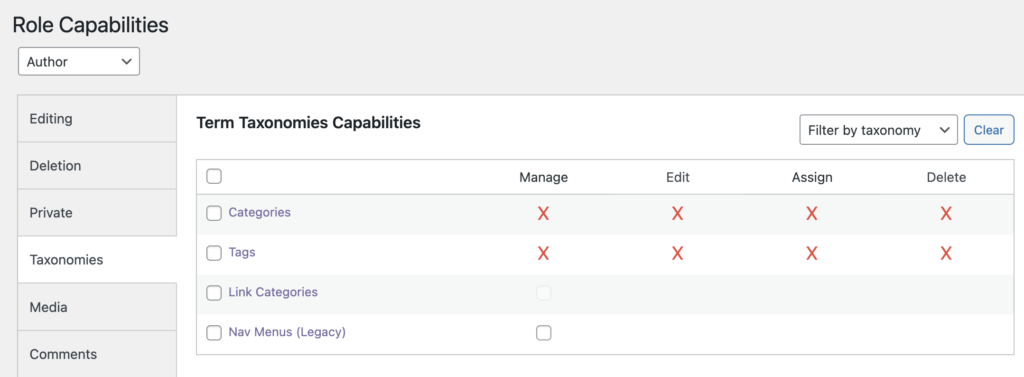
If you make the changes shown in the screenshot above, users in that role will have no access to the normal Tags and Categories metaboxes. In the screenshot below, you can see that those boxes are missing.
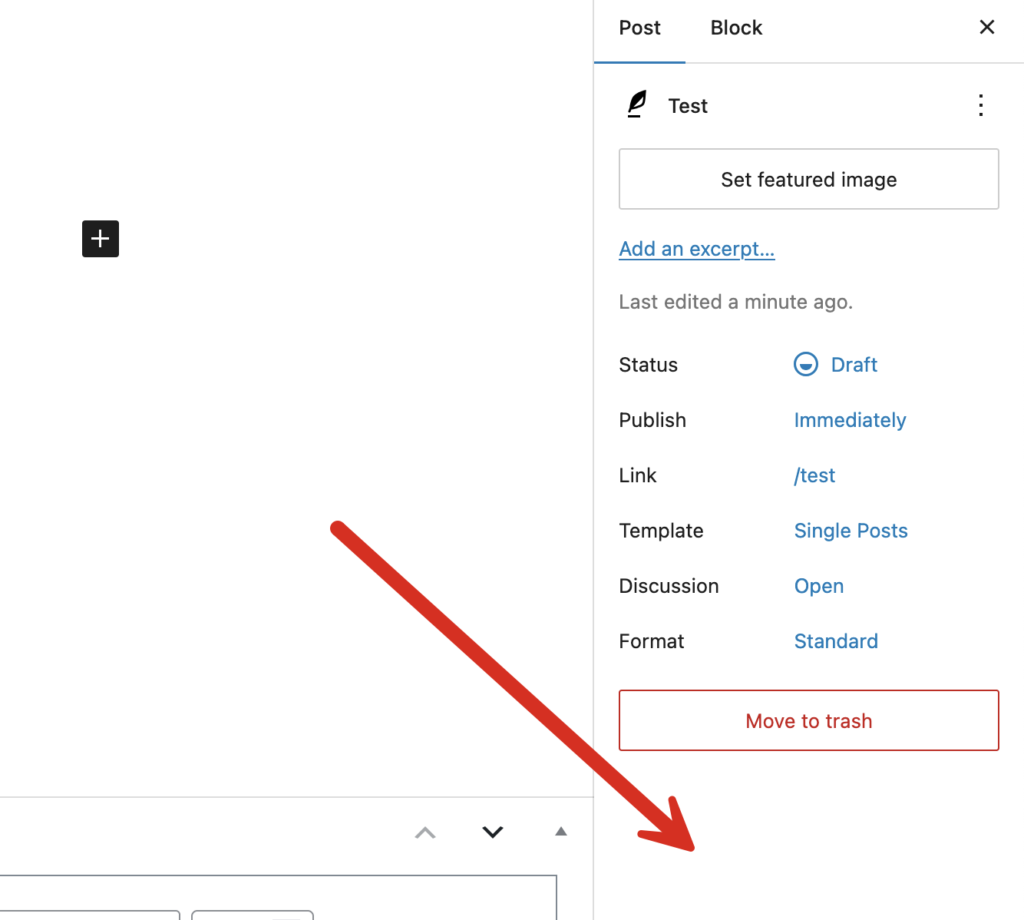
These changes will apply to TaxoPress also. If the TaxoPress metabox is available to users in this role, they will see this message on the “Create Terms” tab: “You do not have the required capabilities to manage any of this post attached taxonomies”