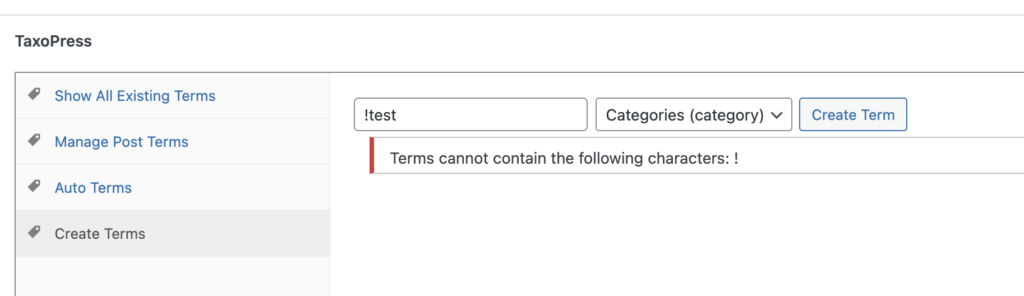
Block WordPress Tags and Categories With Specific Characters
With the TaxoPress plugin, it is possible to prevent WordPress users from adding Tags, Categories, and other terms if they contain specific characters.
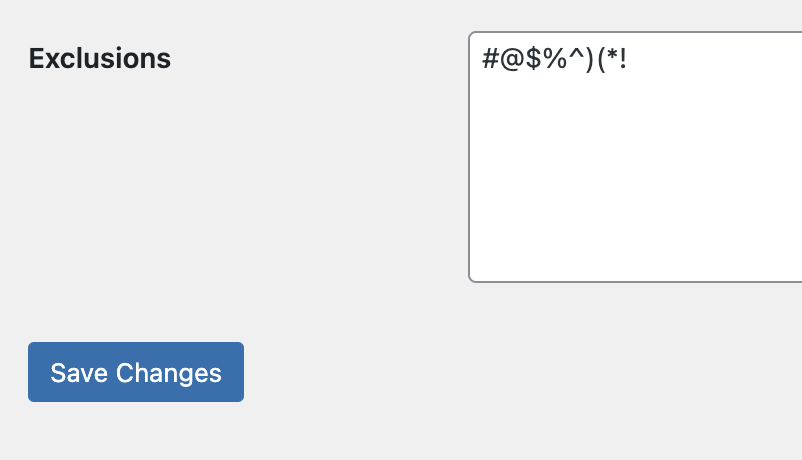
For example, you can prevent terms from being created if they contain characters like this: @$%^)(*!
Doing this will involve removing the default Tags and Categories metaboxes and replacing them with alternatives from the TaxoPress plugin.
First, we’re going to remove the default metaboxes that are used in WordPress. This will give us more control over what terms can be added.
- Go to “TaxoPress” then “Settings”.
- Click the “Metabox Access” tab.
- Click the user role you want to remove the boxes for. In the screenshot below you can see “Administrator”, “Editor”, “Author”, “Contributor”, and “Subscriber”.
- Check the options under “Remove Default Metaboxes”.

When someone in the user role you’ve chosen goes to edit a post, they’ll now see this screenshot below. The Tags and Categories metaboxes will both be hidden.

Now we can use the metaboxes in the TaxoPress plugin. This feature can show a metabox on your post editing screen. This image below shows the TaxoPress metabox and it has these features:
- Manage Post Terms: This feature allows you to manage all the terms that are currently attached to a post.
- Show All Existing Terms: This feature allows you to browse all the terms in a taxonomy.
- Auto Terms: This feature allows you to scan your content and suggest relevant terms. The feature can suggest existing terms and also new terms.
- Create Terms: This feature allows you to create new terms for your posts.
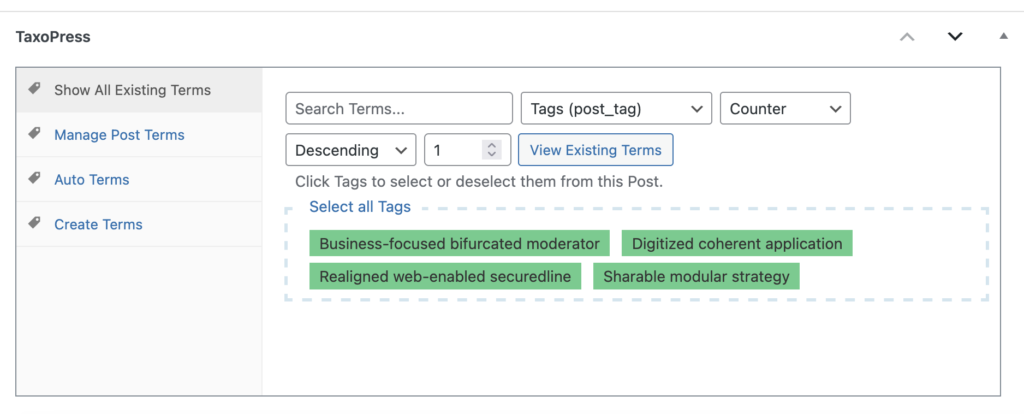
It’s possible to configure key options for the metaboxes under each post.
- Go to “TaxoPress” then “Settings”.
- Click the “Metaboxes”. There will be settings for “Posts”, “Pages” and other content types.
- Scroll down to the “Exclusions” area. Here you can enter the characters you want to block, as in this screenshot:
Now when a user tries to add a term containing any of these characters, they will be blocked. They will see the message, “Terms cannot contain the following characters: !”