
How to Add Categories and Tags to Existing WordPress Posts with TaxoPress
If you already have a library of published posts, TaxoPress can help you add Categories and Tags to them without reopening every post by hand. This tutorial uses a realistic cleanup example: a batch of older tutorials that were imported before the team settled on a consistent taxonomy structure.
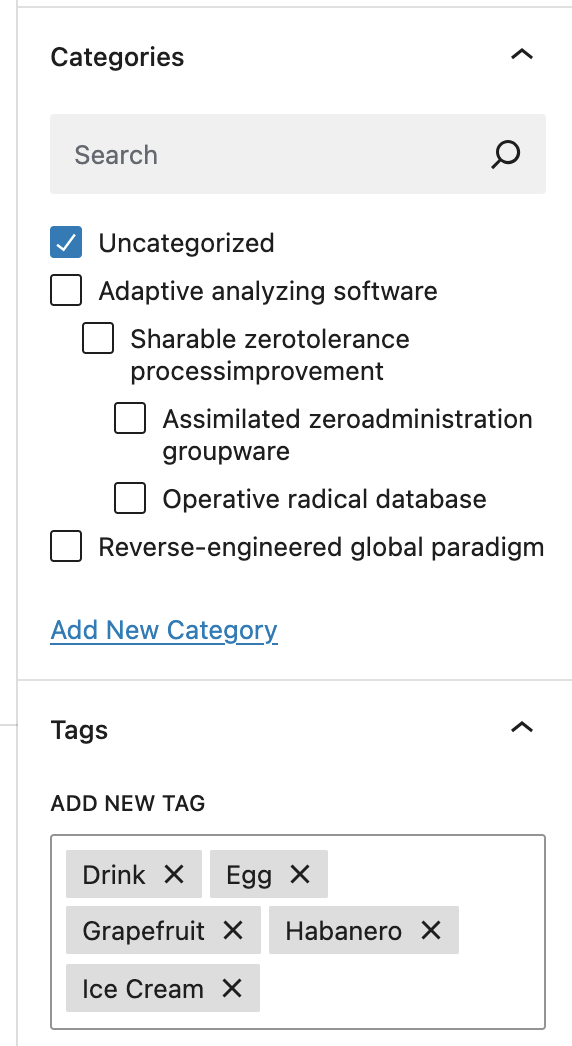
Table of Contents
Example content set
Imagine a group of imported posts with titles like How to Show WordPress Tags on Posts and Pages, How to Display the Categories, Tags for a WordPress Post, and How to Show Tags and Categories in WordPress Search Results. These all belong to the same editorial area, but some of them may still be missing the right taxonomy terms.
1. Find the posts you want to update
Start by identifying the posts that need taxonomy cleanup. A practical example is a set of tutorial posts that should all carry the same broad Category, such as Tutorials, plus narrower Tags like Tags, WordPress Categories, and Current Post.
TaxoPress works best when you treat this as a batch task instead of a one-off edit. That keeps the taxonomy structure consistent across the site.
2. Apply the right terms
Open the post or the TaxoPress screen you normally use for bulk term work. In this example, the broad Category is Tutorials. The Tags can include Tags, WordPress Categories, Terms for Current Post, and WordPress API.
- Use Categories for broad subject grouping.
- Use Tags for narrower topic markers.
- Keep the term names consistent across all similar posts.
3. Check the front end
After saving, load a few posts on the front end and confirm that the terms display the way you expect. For these tutorial posts, you should see the shared Tutorials category and a consistent set of related Tags rather than a random mix of old labels.
What to watch for
If you are adding terms to many posts, keep an eye on overlapping labels and category depth. A quick cleanup now will save time later when you build related posts, archive pages, or internal search views.