Use TaxoPress to Customize the Order of Tags and Categories
TaxoPress 3.37 is available now. The Free version is available from the WordPress plugin directory and TaxoPress members can download the Pro version from this website.
There is one major new feature, but several helpful improvements in this release. Let me introduce you to the big new feature which allows to choose any order you want for the Tags and Categories on your site
Table of Contents
The Default Order for Tags and Categories
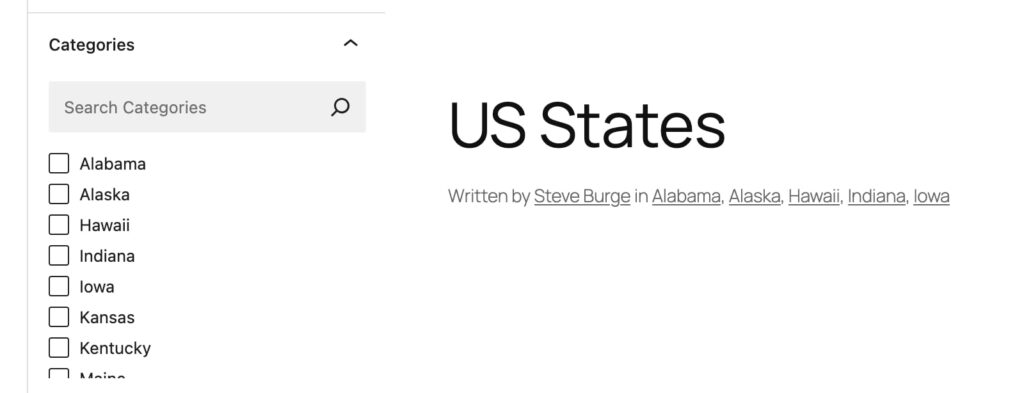
Here’s the WordPress limitation we’re aiming to solve with this release of TaxoPress. In the screenshots below you can see a list of Categories for US States. These Categories are sorted alphabetically in the WordPress admin area and on the front of your site. In this example, the alphabetical order makes some sense, but it can not be changed.
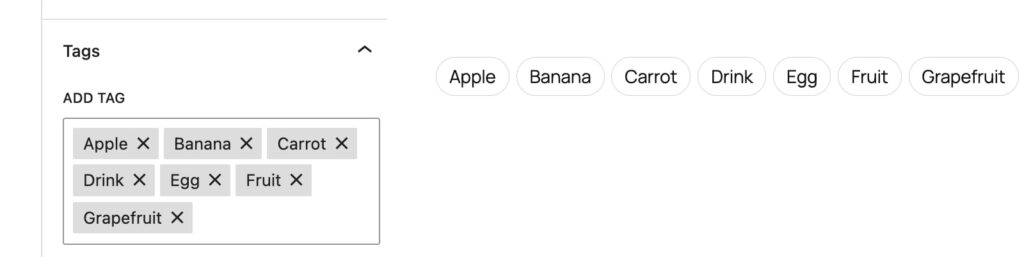
The same is true for Tags also. In this next screenshot we have some Tags that refer to food. These are sorted alphabetically again. There’s no alternative.
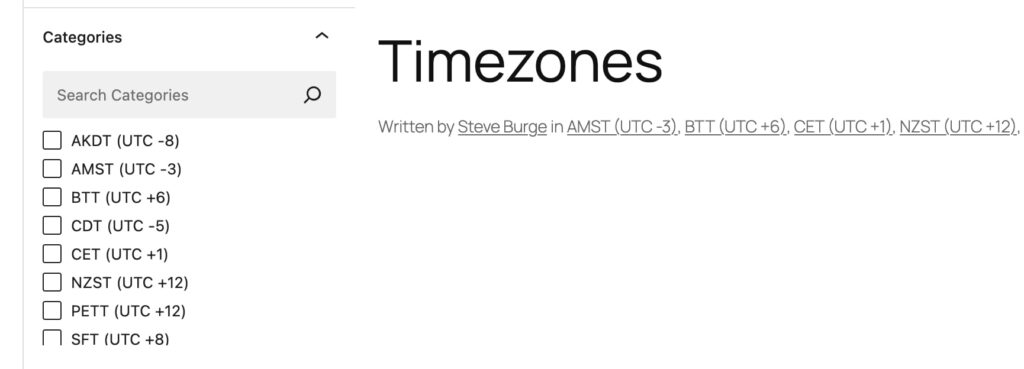
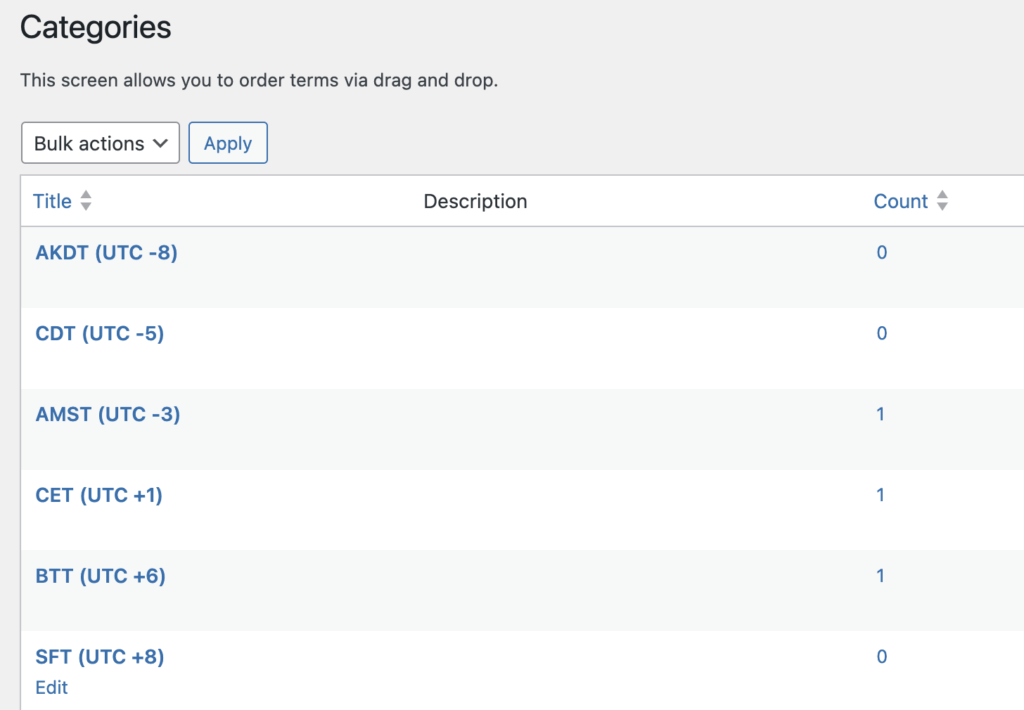
However, there are times where alphabetical order just doesn’t work. Let’s take the example of timezones. In these next screenshots, you can see the timezones are ordered alphabetically. But this leads to them being displayed in a useless order.
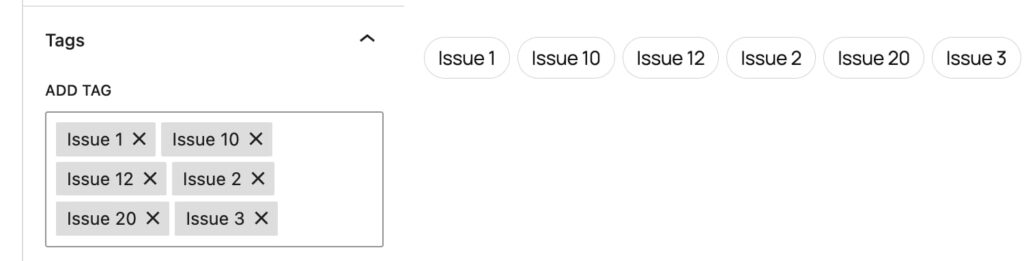
Here’s another example of where alphabetical order doesn’t work. This is from a magazine that uses Tags to assign posts to different issues.
Your Custom Order for Tags and Categories
This new TaxoPress Pro feature can controls the order of Tags and Categories. The order you choose will display when you’re editing posts, and in frontend displays.
Go to the “Taxonomies” screen and choose the taxonomy you want to order. There are five choices:
- ID
- Name
- Counter
- Random
- Term Order

If you click on the “Taxonomy Terms Table” you’ll be to reorder your terms using a drag-and-drop interface.
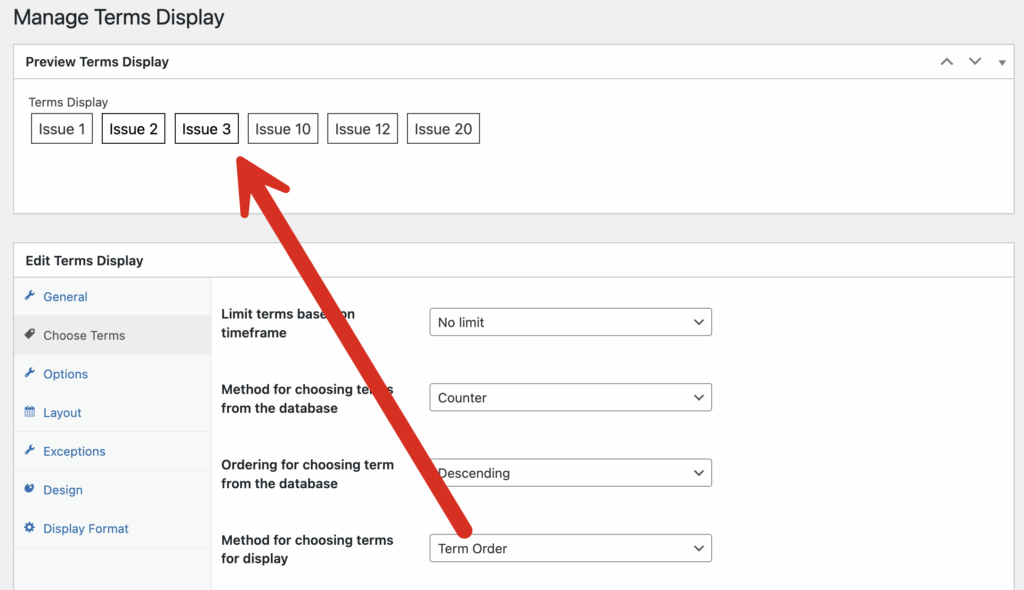
This “Term Order” feature is also available throughout the plugin. For example, in the “Terms Display” feature, you can now choose to sort the terms using the order. As you can see in this screenshot below, we’ve solved the problem with the magazine issue numbers. This option is also available in the “Current Post” feature.