
How to Schedule Auto Terms for Imported WordPress Posts
Imported posts often need taxonomy cleanup after they land in WordPress. TaxoPress can help by running Auto Terms on a schedule, which lets you import content first and assign the right terms afterward.
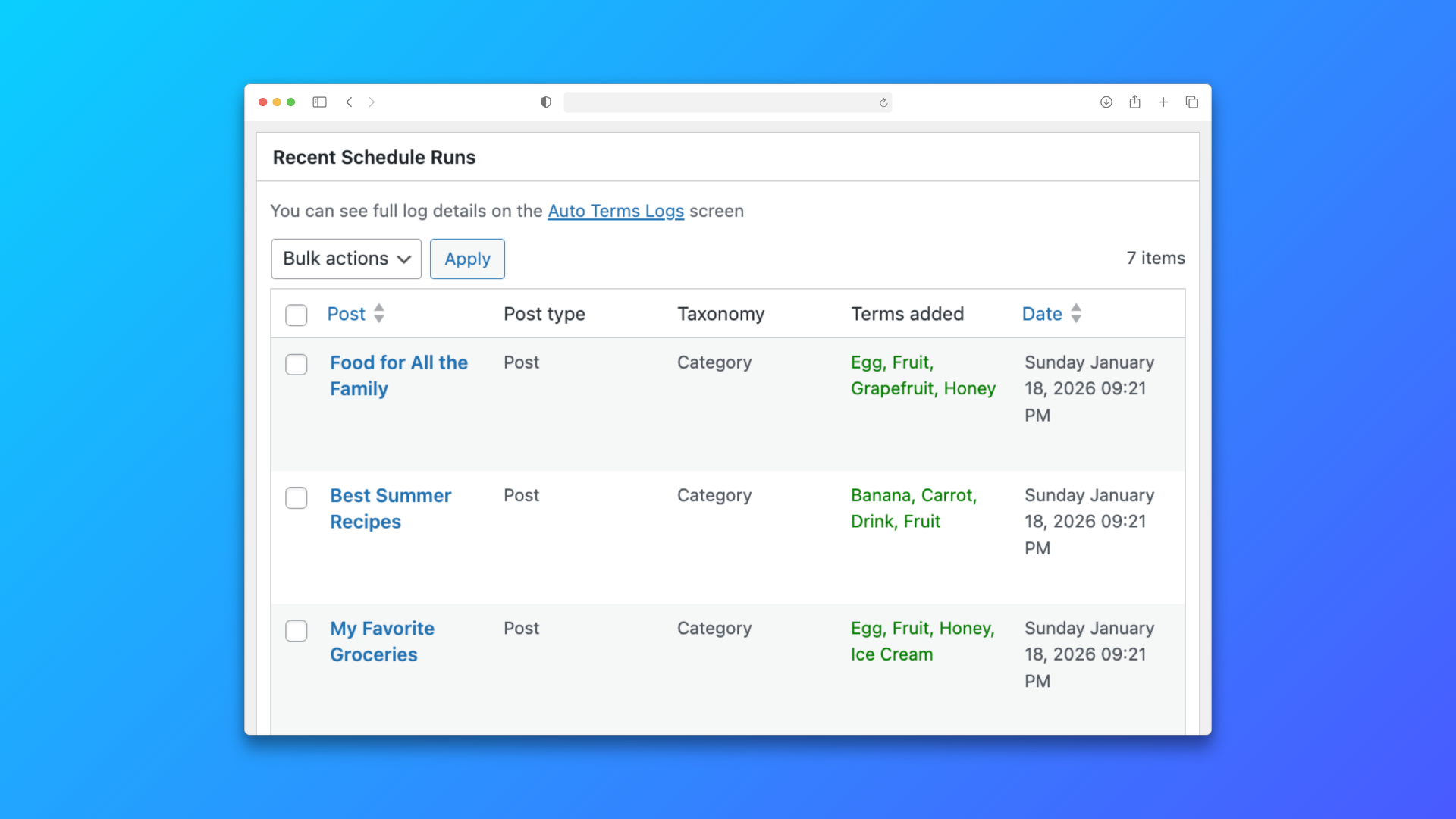
Table of Contents
Example import batch
Imagine you import a set of tutorial posts with titles such as How to Show WordPress Tags on Posts and Pages, How to Merge Duplicate Tags and Categories in WordPress, and How to Add Categories and Tags to Existing WordPress Posts with TaxoPress. After the import finishes, you want TaxoPress to add shared terms like Tutorials, Auto Terms, Tags, and WordPress Categories.
1. Import the posts first
Bring the posts into WordPress without worrying about perfect taxonomy assignment on the first pass. The goal is to get clean content into the site and let TaxoPress handle the taxonomy work on the next step.
2. Configure Auto Terms
Set up the terms you want TaxoPress to add automatically. A realistic setup for this site would use Tutorials as the category and source words like Tags, Auto Terms, Current Post, and WordPress API to identify the right taxonomy terms for imported tutorials.
- Use clear source terms.
- Limit the rule set to the content type you imported.
- Check that the selected taxonomy matches the post type.
3. Add the schedule
Choose a schedule that runs after imports complete. That way the site has time to finish the data load before the taxonomy processing begins.
4. Verify the results
After the schedule runs, open a few imported posts and confirm that the expected terms were added. If some posts were skipped, adjust the source rules or the schedule window and run the process again.
Why this helps
This workflow keeps import jobs simpler, reduces manual cleanup, and makes taxonomy assignment repeatable for future batches of posts.